Notifications
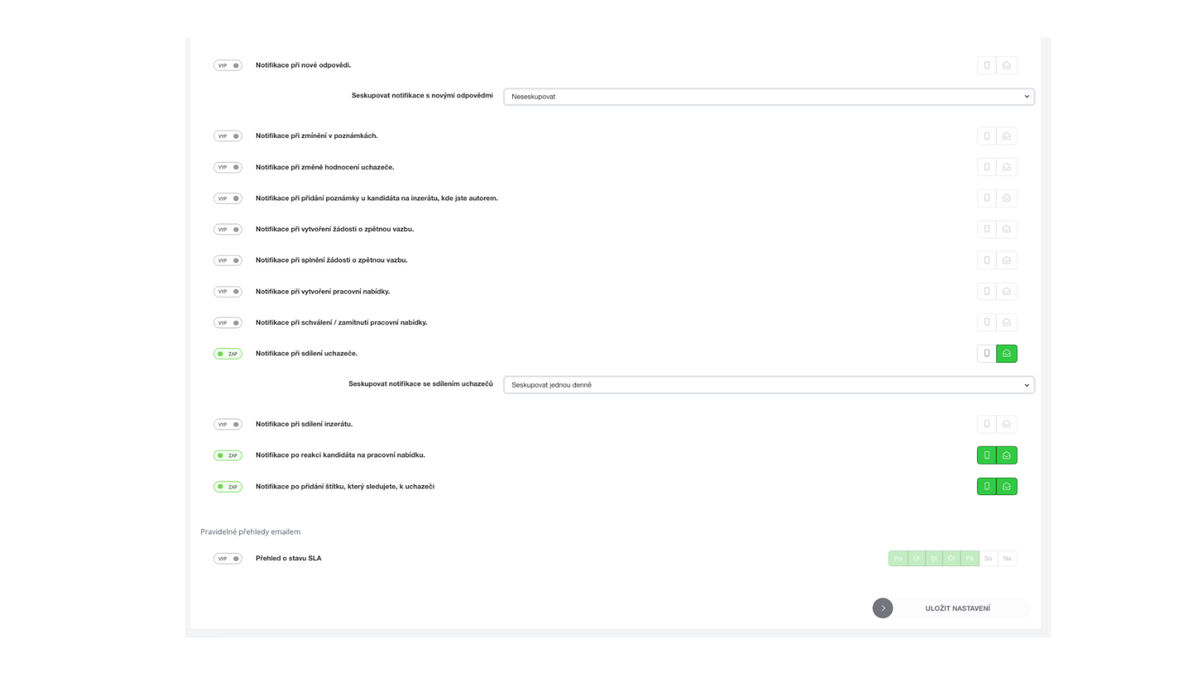
Enable the notifications that are a priority for you. Choose whether you want to receive notifications in the mobile app or by email.
For potentially more frequent notifications, you can also set whether you want to be informed about them, for example, once a day or once a week.
You can find the link for managing notifications by clicking on your avatar in the upper right corner, where you will find the section "Notifications".
What is good to know & our tips
If you do not want to be notified about every new candidate immediately, but once a day or once a week is sufficient, you can consolidate this type of notification.
Each Recruitis user sets notification preferences for themselves.
Related articles
24. 07. 2023
Widget for Quick Support
How the quick support widget works directly on the ATS Recruitis.io website.